
See it work
Ask your assistant for a quote
Type one sentence in Claude, ChatGPT or Grok. SalesPath finds the products, prices them at the markup you ask for and saves a draft quote. One tap opens it in SalesPath.
Connect your assistant →SalesPath is most useful when it is connected to your AI assistant. Connect Claude, ChatGPT or Grok, then ask it to find quotes, draft quotes, and add clients and products.
See it work
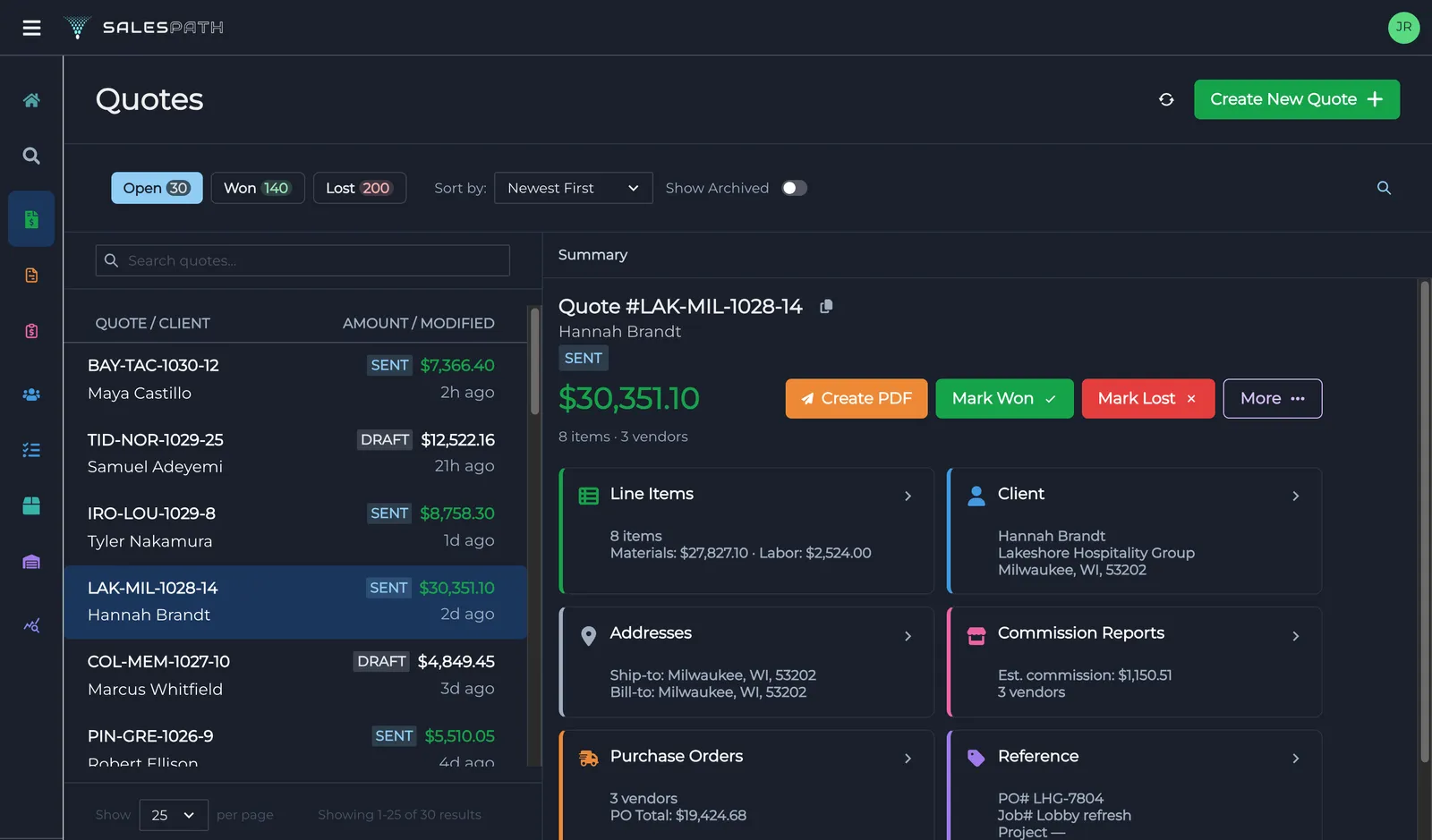
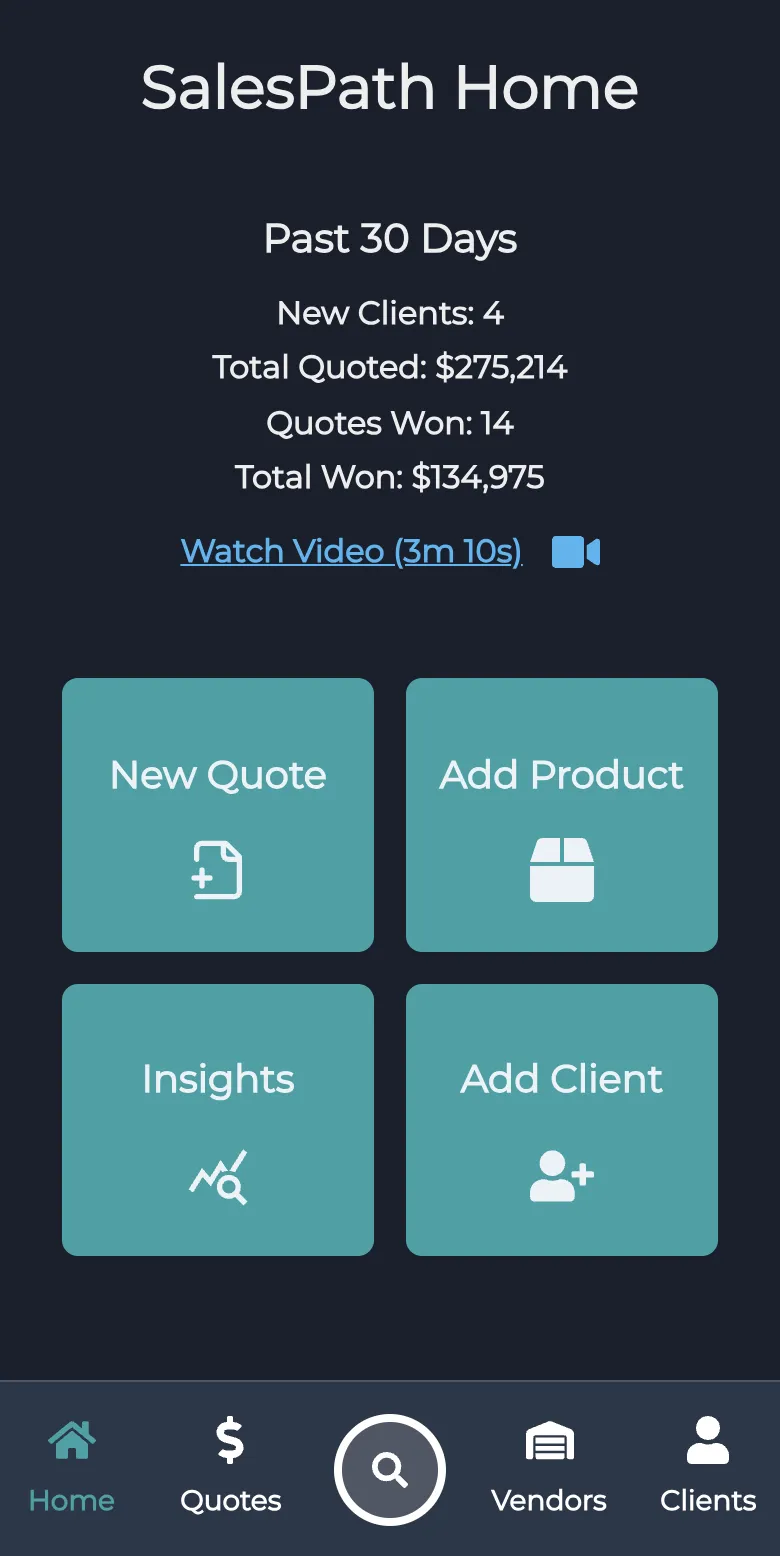
Type one sentence in Claude, ChatGPT or Grok. SalesPath finds the products, prices them at the markup you ask for and saves a draft quote. One tap opens it in SalesPath.
Connect your assistant →From the first line item to the signed deal, everything you need lives in one app.
Quoting
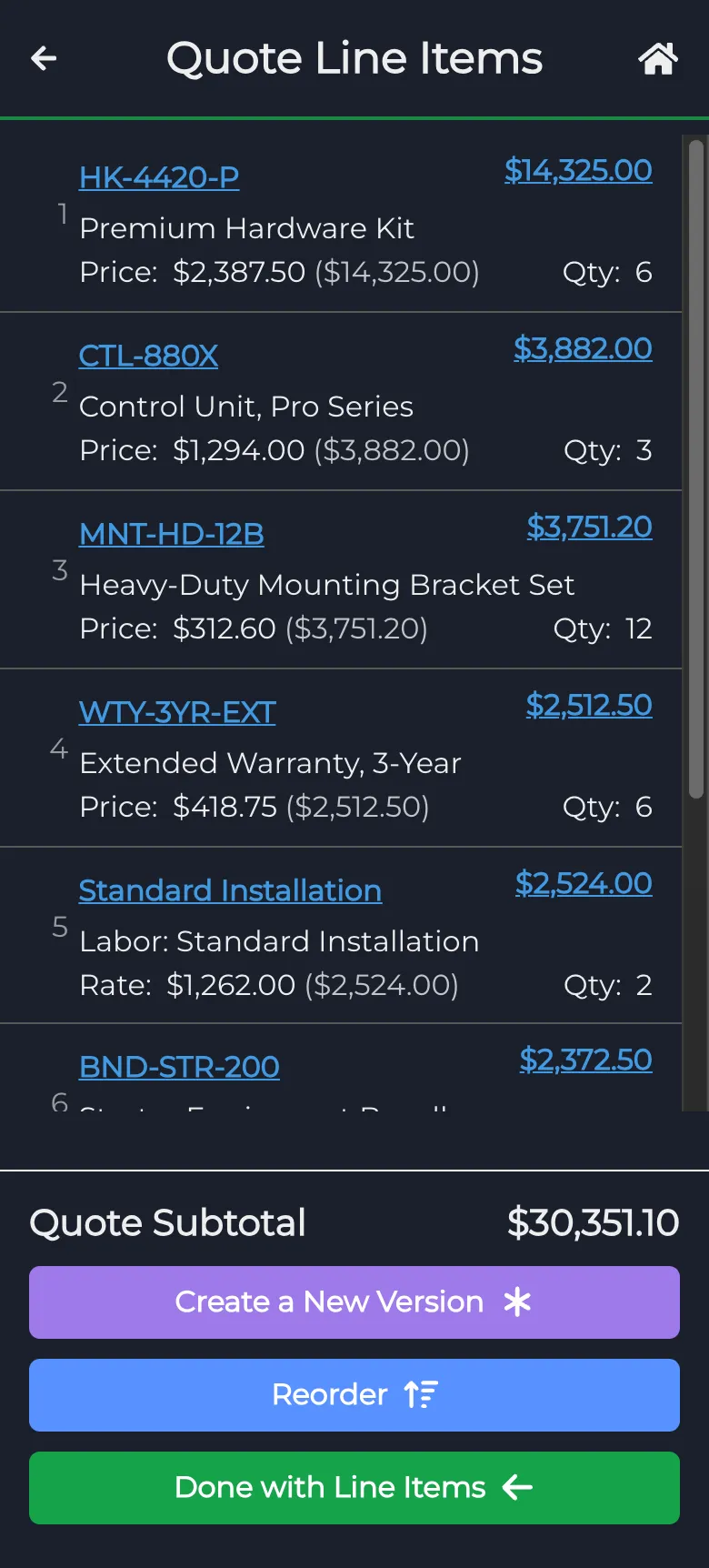
Pick from your catalog, add line items and reuse templates, with a quote assistant to lend a hand.
Proposals
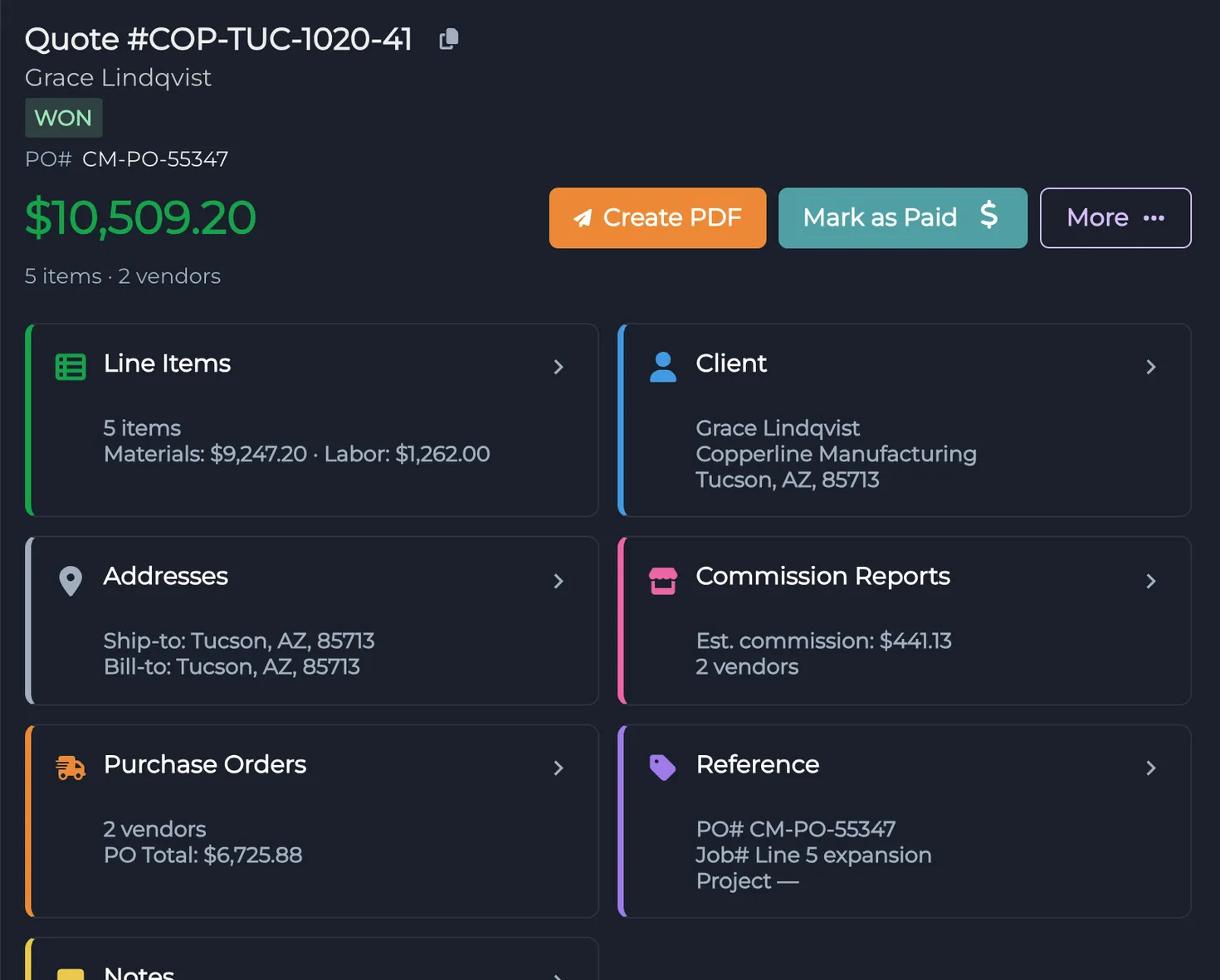
Turn a quote into a clean PDF with your company details and send it to your client in a few taps.
Pipeline
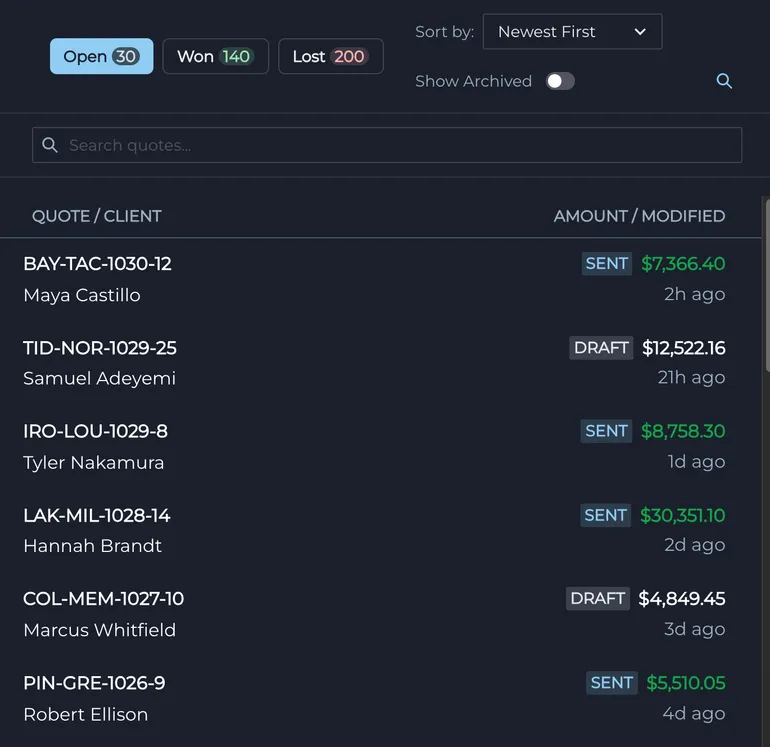
See every quote by status, mark it sent, won or lost, and turn won quotes into invoices.
Insights
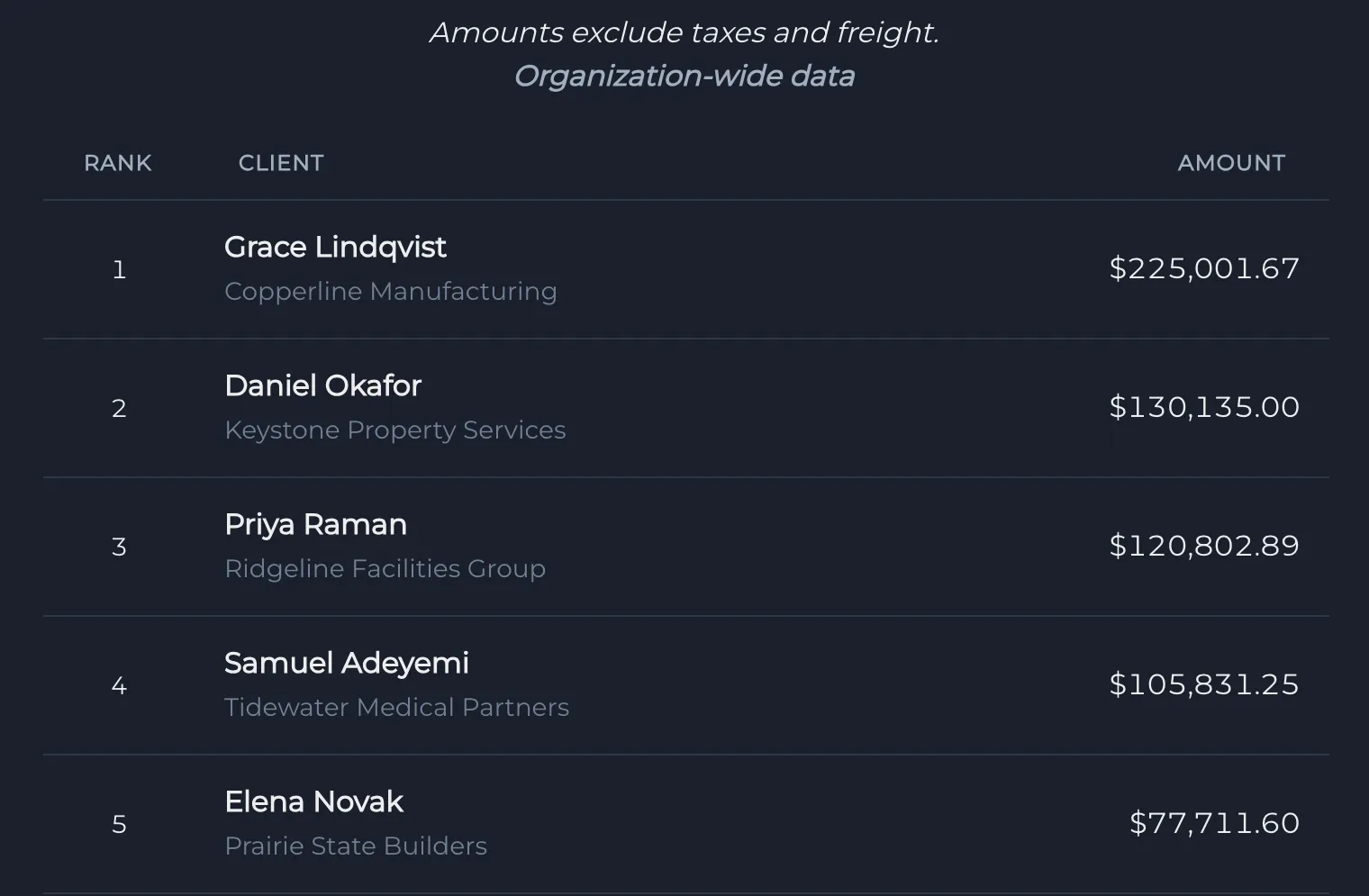
Insights show which clients, products and vendors bring in the most revenue, so you know where to spend your time.
Mobile
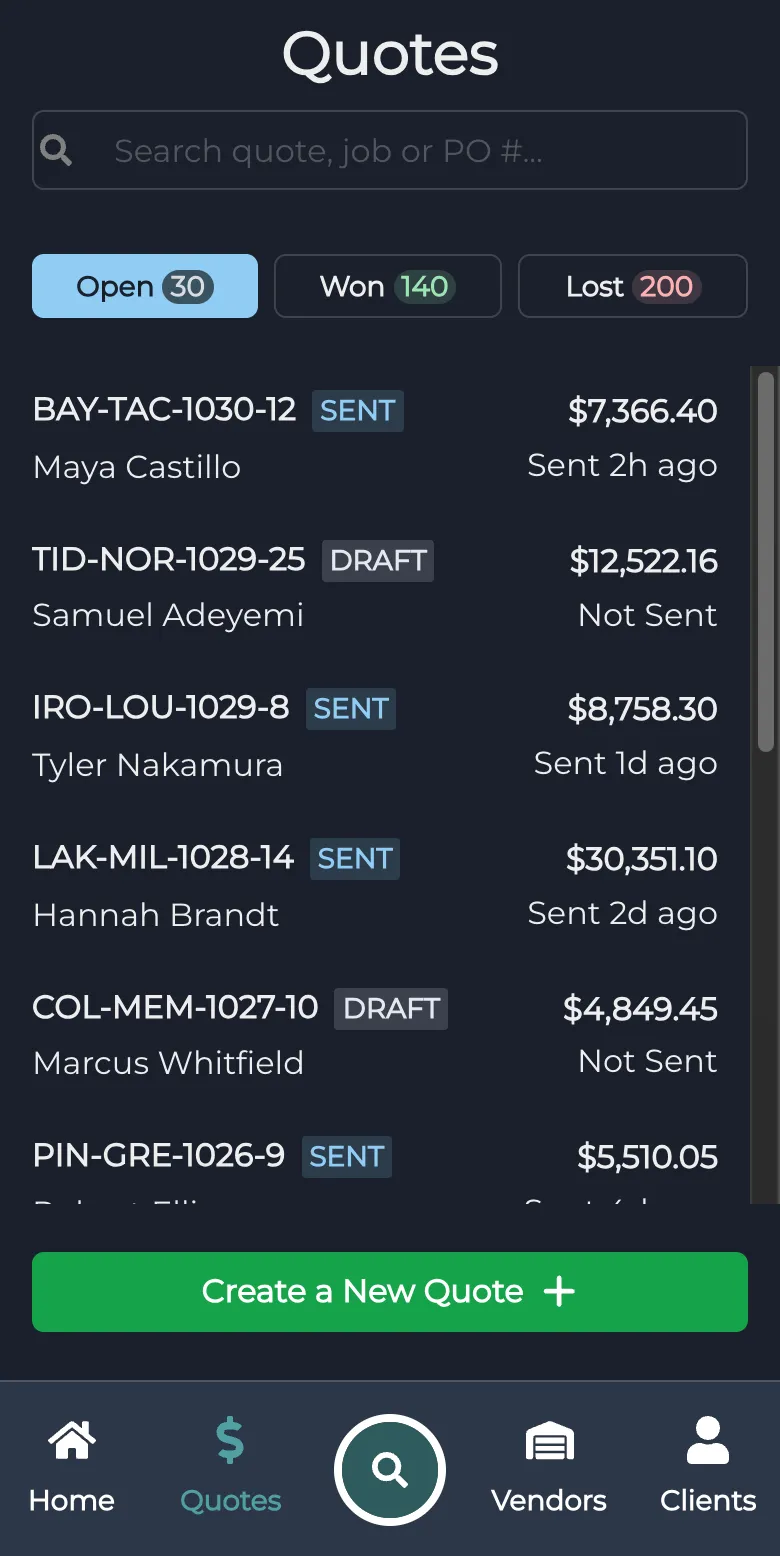
Use SalesPath on the web, iOS and Android. Your clients, products and quotes are the same everywhere.
Step 1
Import or add your clients and products once, then reuse them on every quote.
Step 2
Pick line items, set quantities and prices, and watch the totals update as you go.
Step 3
Send a clean PDF, mark the quote won or lost, and turn wins into invoices.
Client data is encrypted in transit and at rest, and access is scoped to your organization.
Start a quote on your phone and finish it at your desk. Web, iOS and Android stay in sync.
Roles, shared catalogs, leaderboards and team reports for sales managers.
SalesPath for teams →Connect Claude, ChatGPT or Grok to SalesPath, then ask it to find quotes, draft quotes, and add clients and products.
Connect your assistantTry SalesPath free and see how quick quoting can be.